Controlling an LG smart TV from the shell with a Raspberry Pi and a stripped-down Python script – a 5 minute home automation project.
Control LG smart TV over the Internet using a Raspberry Pi
Controlling an LG smart TV from the shell with a Raspberry Pi and a stripped-down Python script – a 5 minute home automation project.

Tweeting my house’s power usage as sparkblocks – unicode sparklines squeeze a full day’s trend into a single tweet.
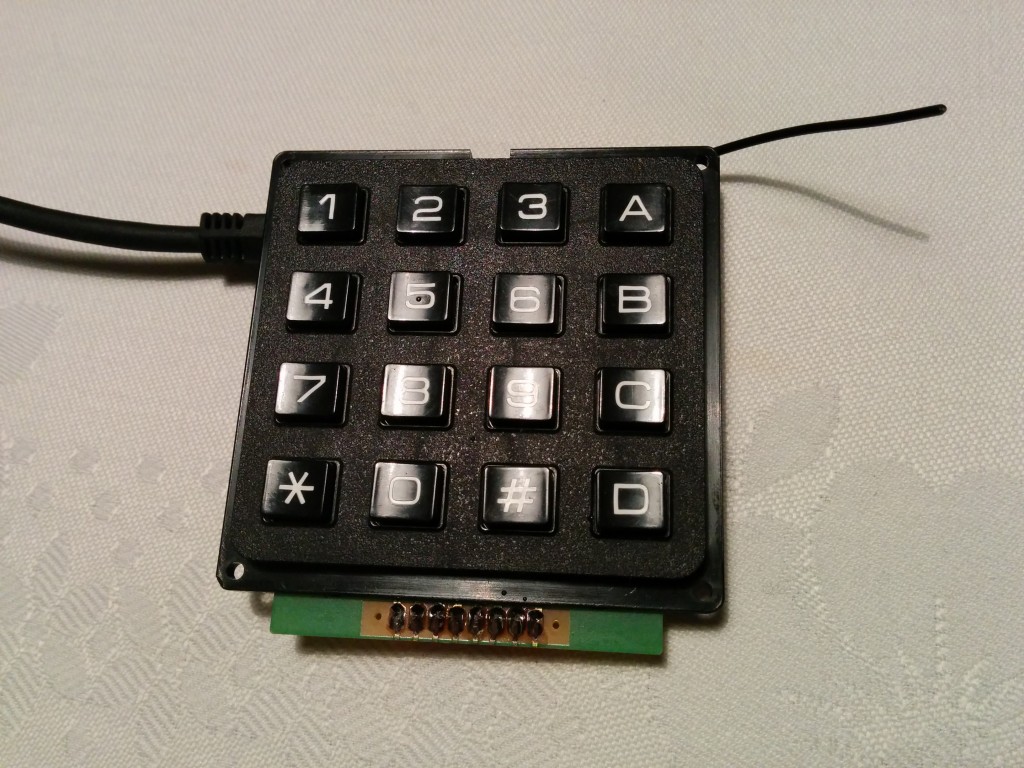
Turning a matrix keypad into a USB keyboard with the Funky v2 – convenient numeric entry for a few projects in the pipeline.
Turns out I’ve been quantified-self-ing for years: commutes, weight, hot water, coffee, power usage – all logged to emonCMS.
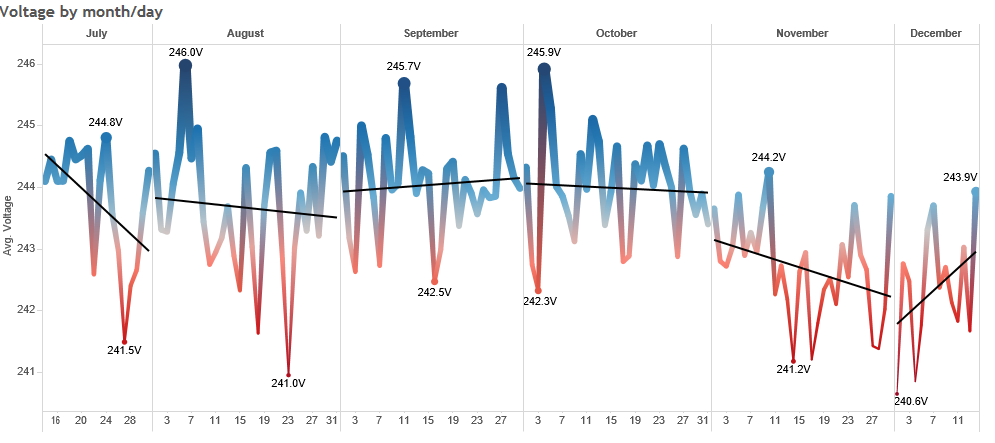
405835 AC mains voltage measurements later – analyzing six months of logging the unusually high voltage at my house.

Where do this blog’s visitors come from? Two years of Google Analytics data visualized in Tableau, out of pure curiosity.
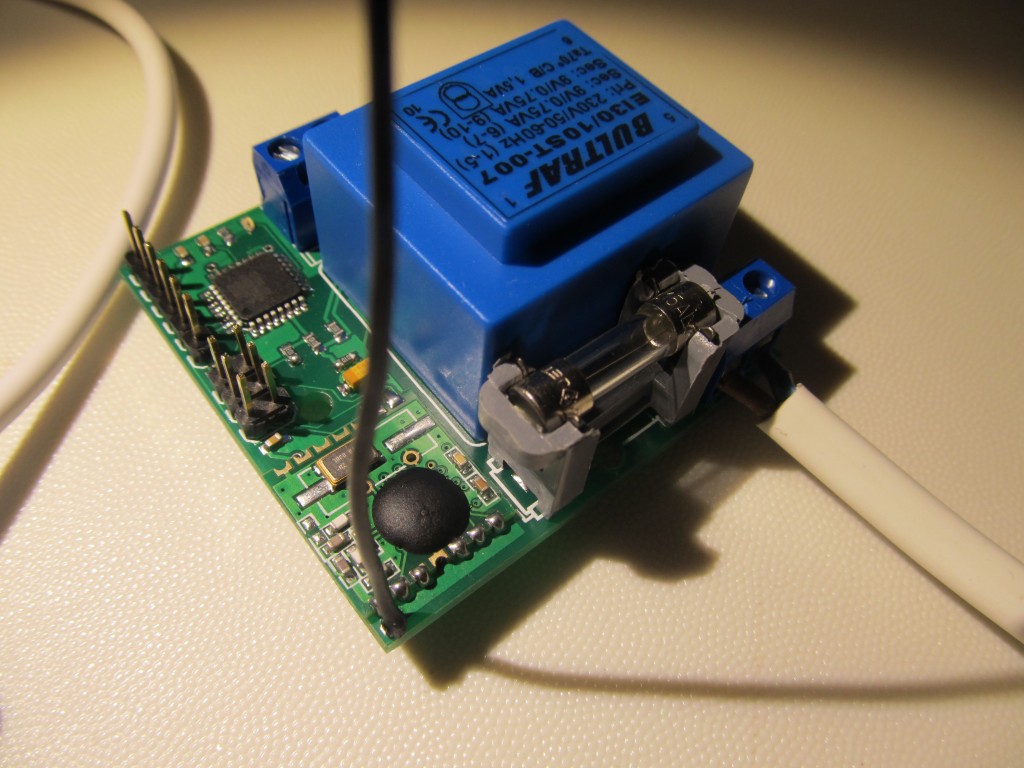
The YAPM (Yet Another Power Monitor) PCB is done and preliminary tests pass – built between a new job and scarce hobby hours.
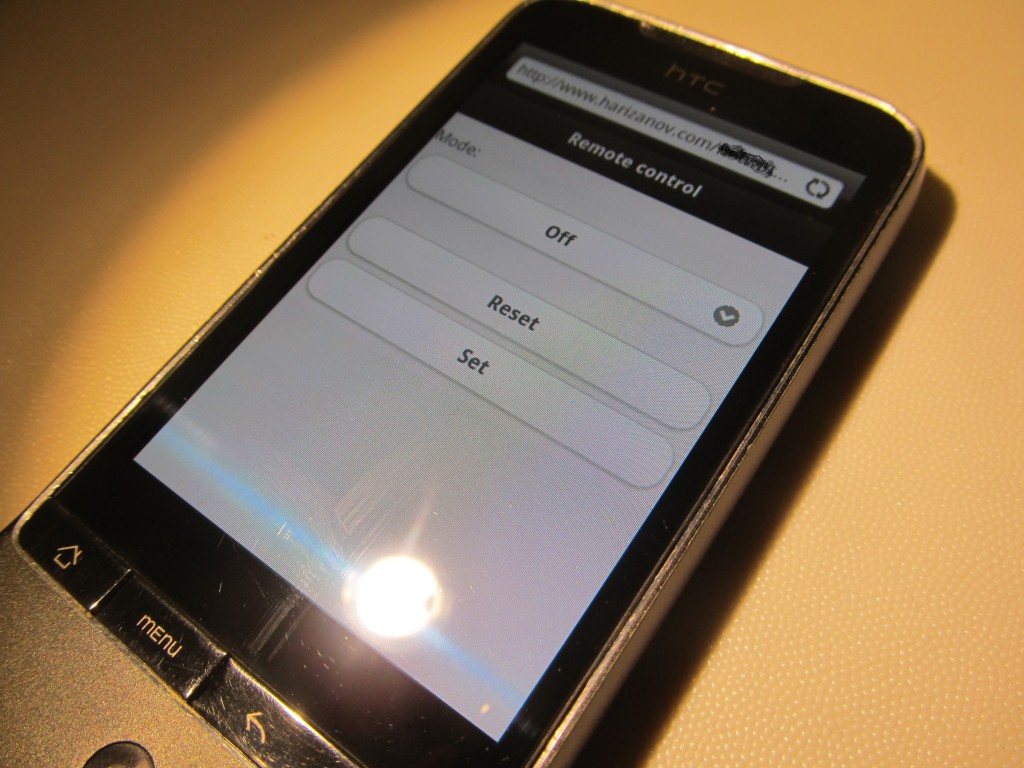
Hot water tank controller part 2: code finalized, a week of runtime, and a small HTML page driving it through an emoncms.org feed.
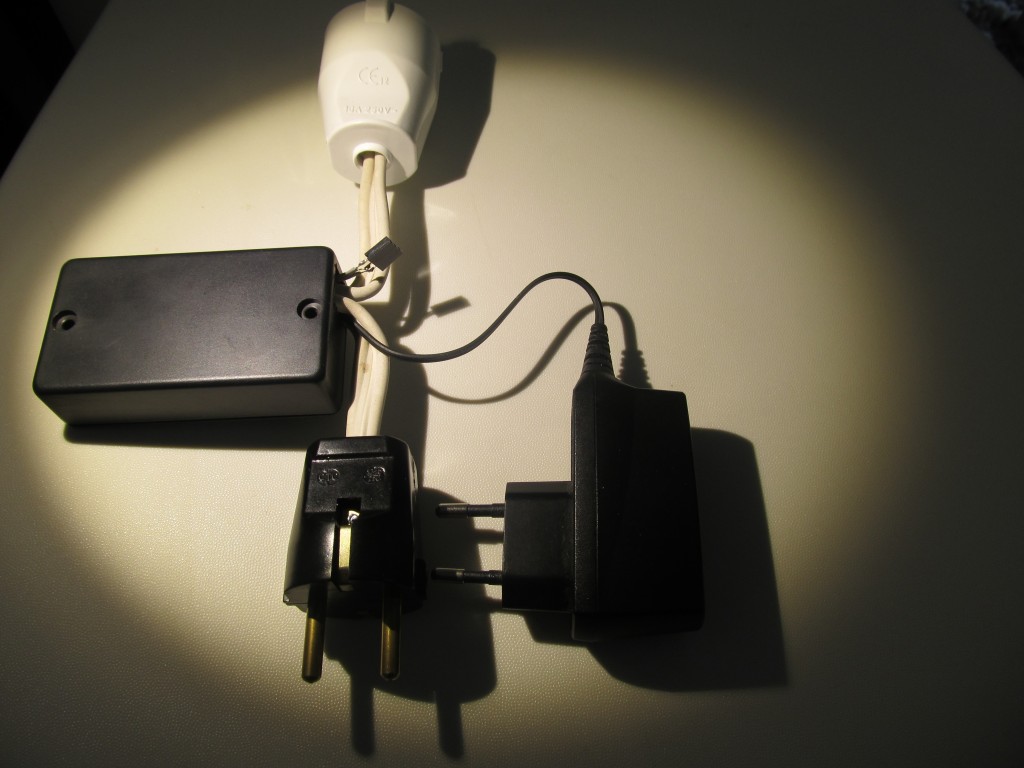
A smart IoT controller for my solar hot water tank – mode switching (manual/auto/anti-freeze) driven by an emonCMS feed.
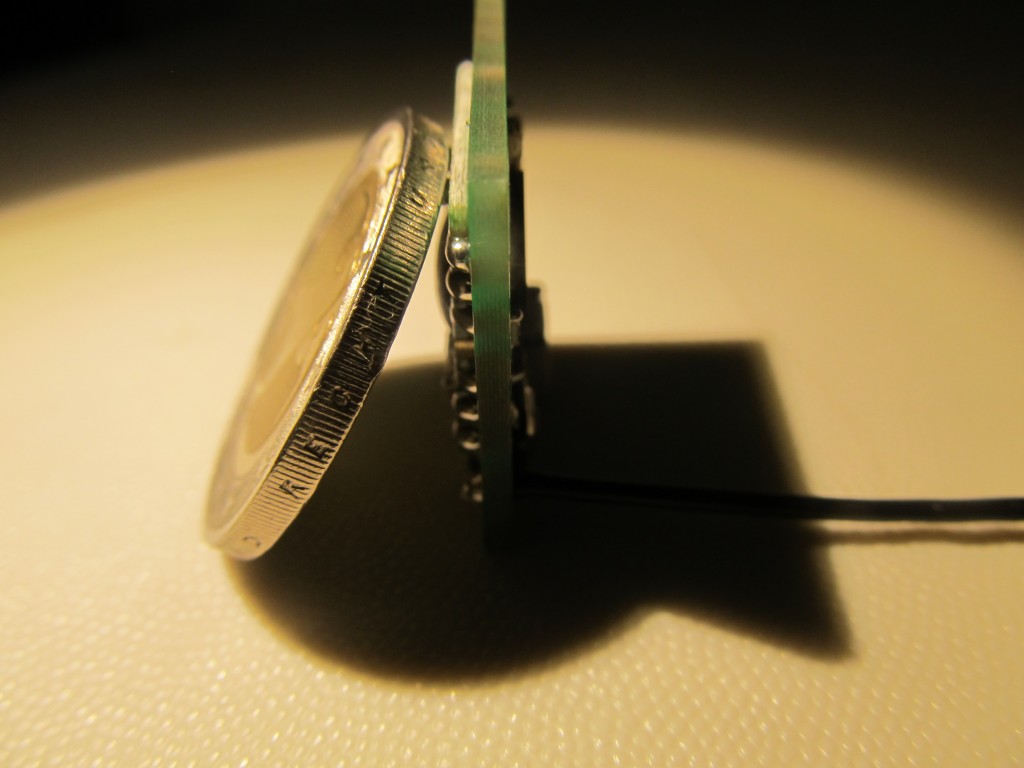
Funky v3 PCBs populated and briefly tested – double-row headers soldered on the test unit, first impressions of the new board.
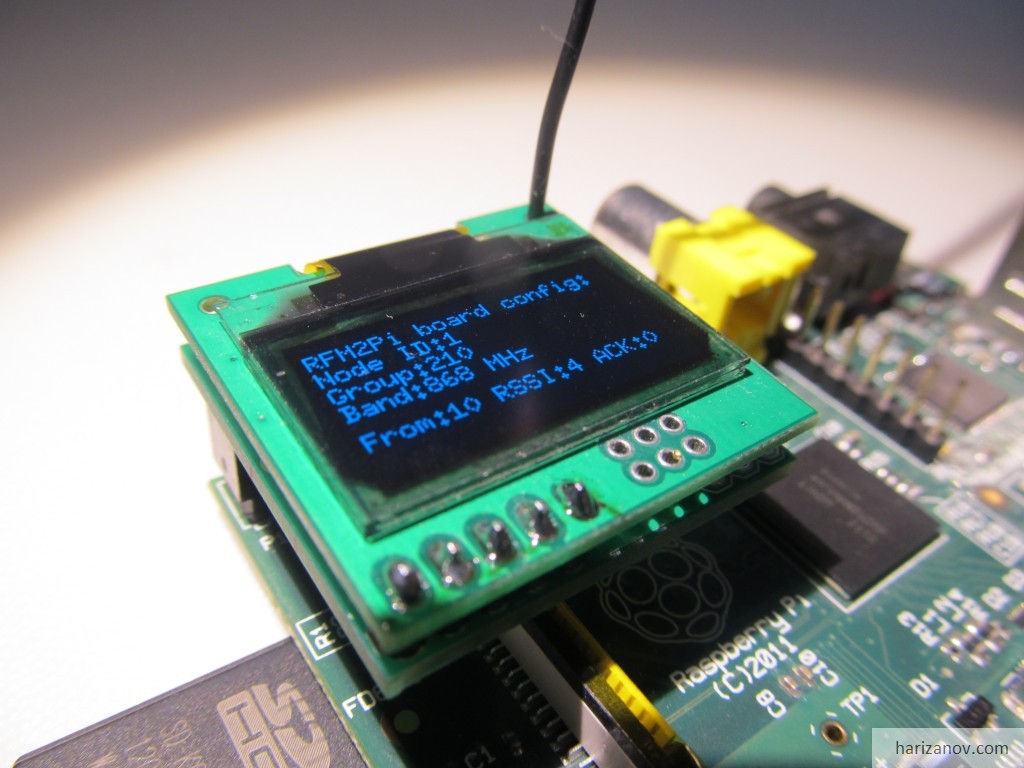
The RFM2Pi board gets a 6 pin port that happens to exactly match the Digole 0.96″ OLED – instant plug-on status display.
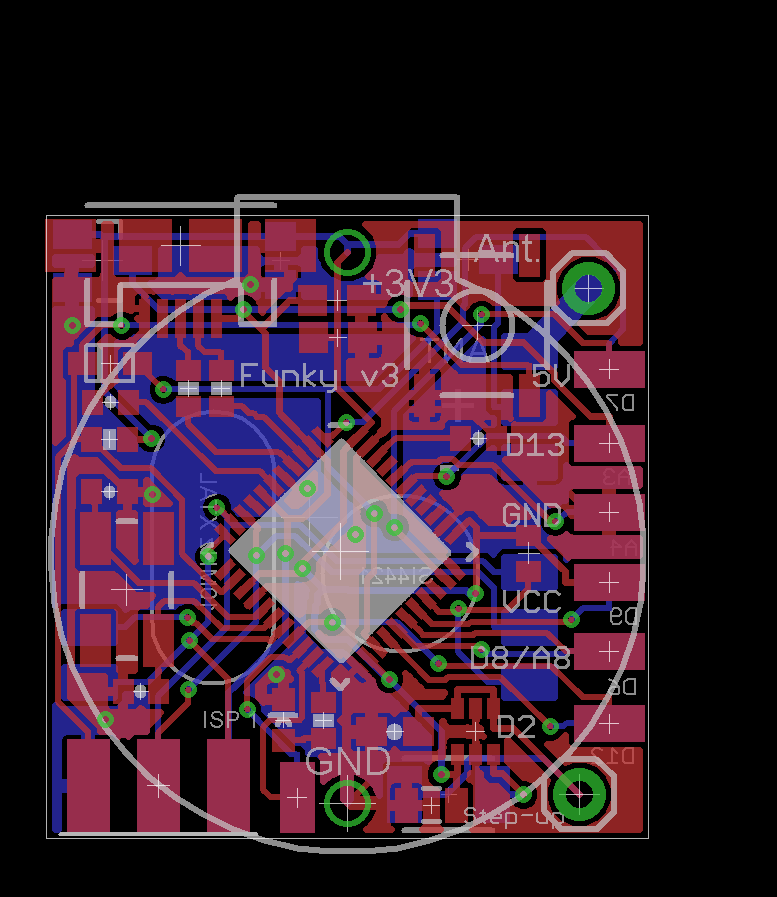
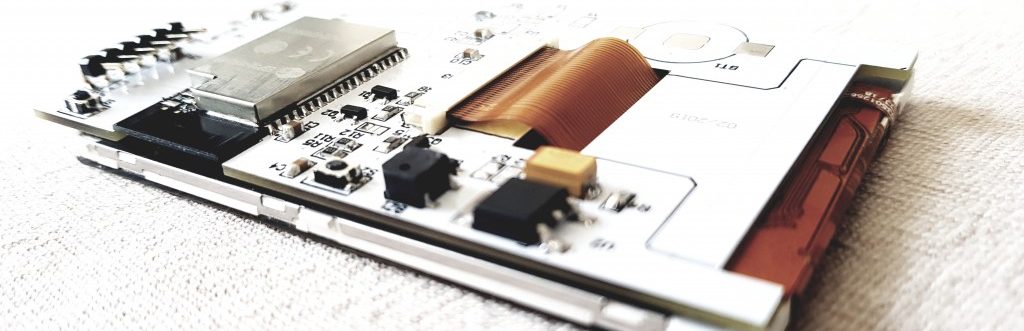
Funky v3: a major reshuffle of the v2 board routes 8 more pins (D9, D7, D12, D6, A3, A4, D0, D1) to pads in the same tiny form factor.
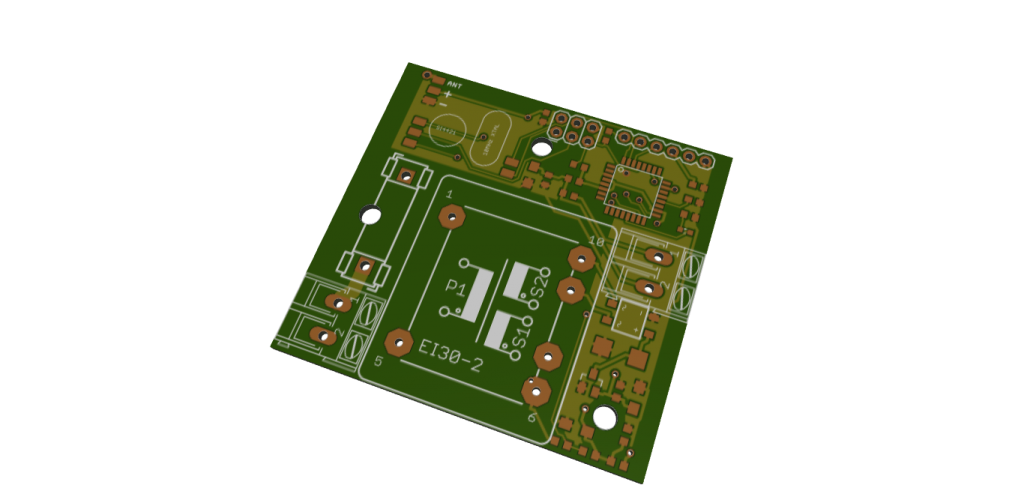
Yet another power monitor – this one runs off a small dual-winding transformer that both powers the circuit and senses voltage.
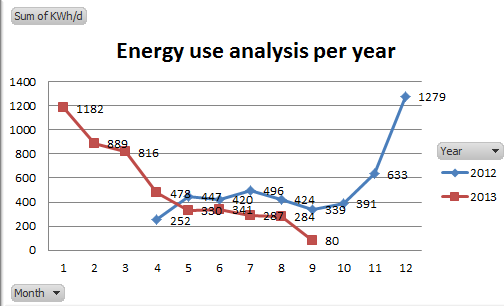
Comparing this year’s electricity usage against last year’s – checking whether all my energy use optimizations actually show in the kWh.
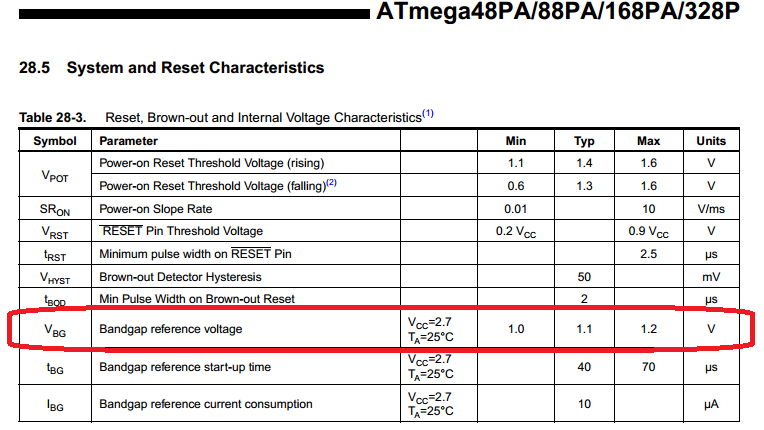
How accurate is the AVR’s internal bandgap battery measurement? Comparing it against a Fluke 27 and digging into the datasheet numbers.
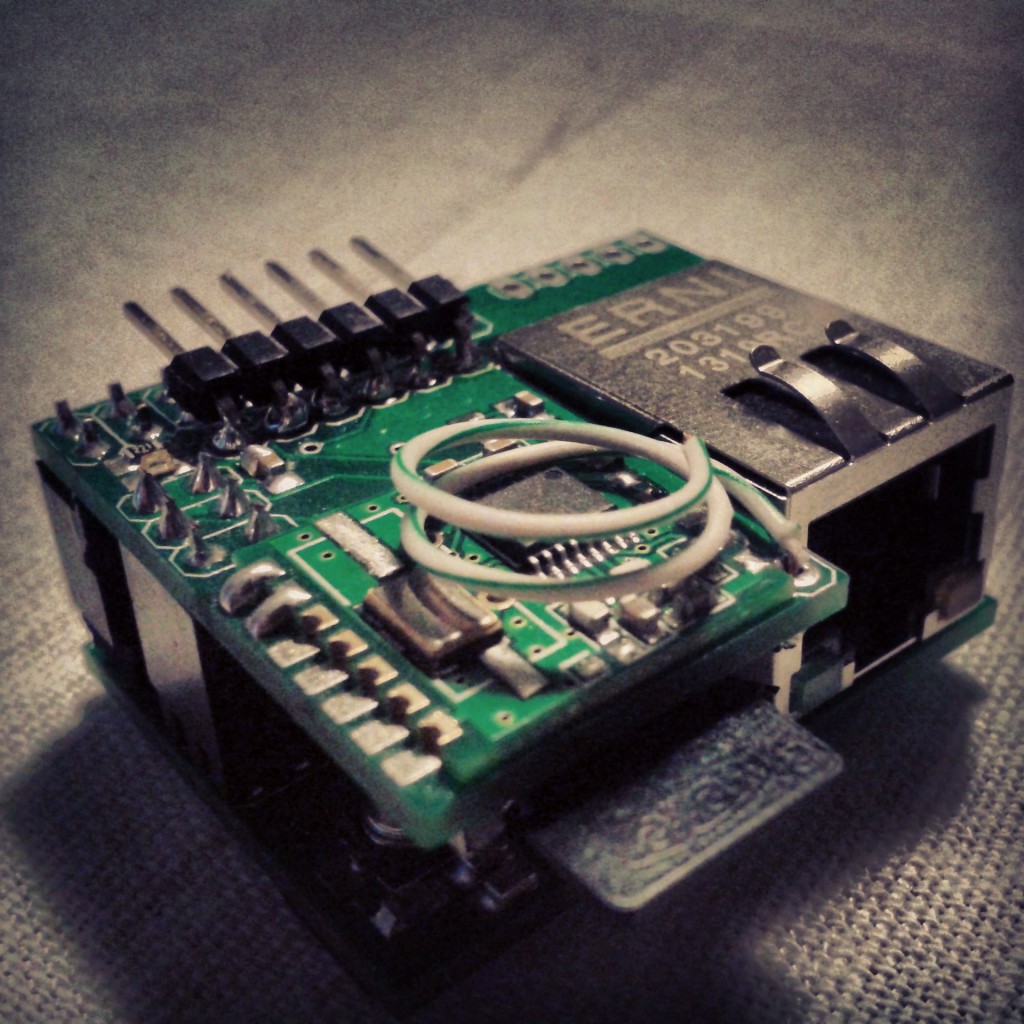
An emonCMS base-station configured from an .ini file on SD card – no re-flashing a NanodeRF for every user-specific setting.
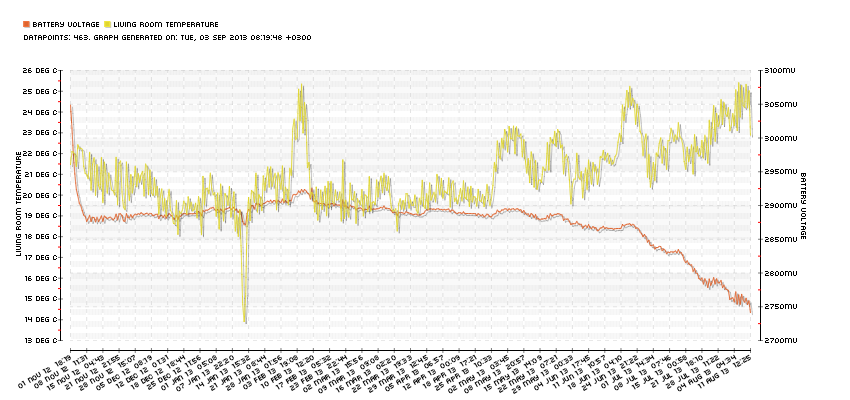
9 months and 10 days on one CR2032: the discharge pattern of a coin cell powering a Funky v1 + DS18B20 room temperature node.
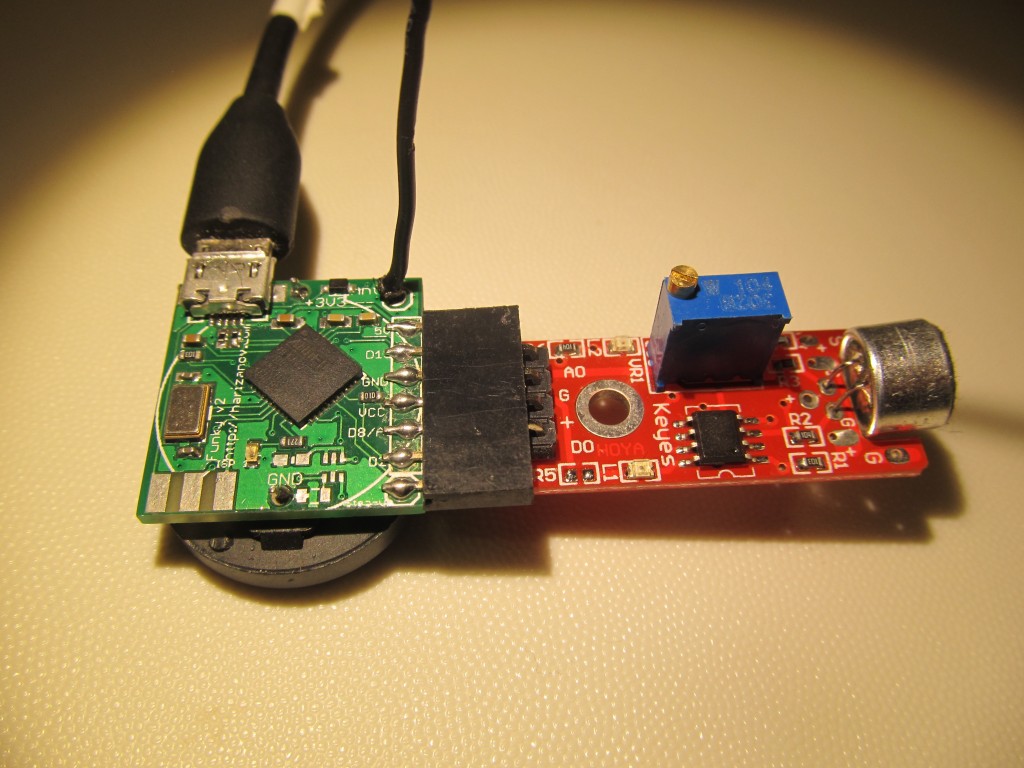
Clap-controlling RF power sockets with a Funky v2 and a cheap sound sensor breakout – silly, fun, and it works.
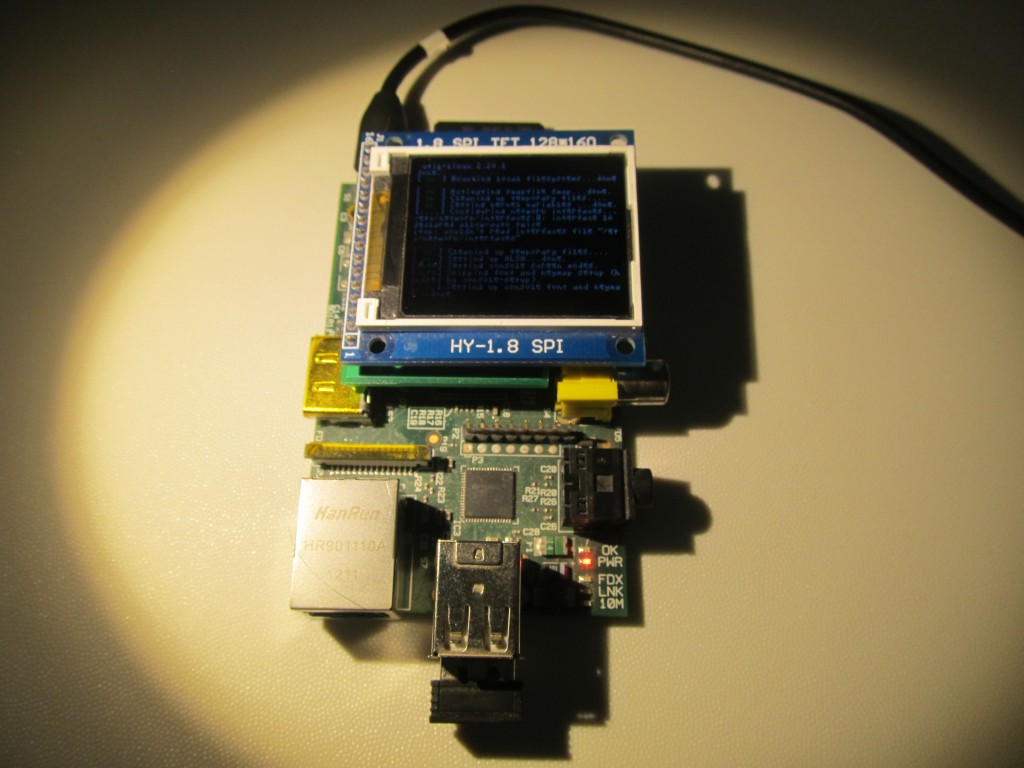
Adding FBTFT frame buffer support for the 1.8″ TFT to Raspbian in 5 minutes flat – @notro’s work ends the kernel patching nightmare.
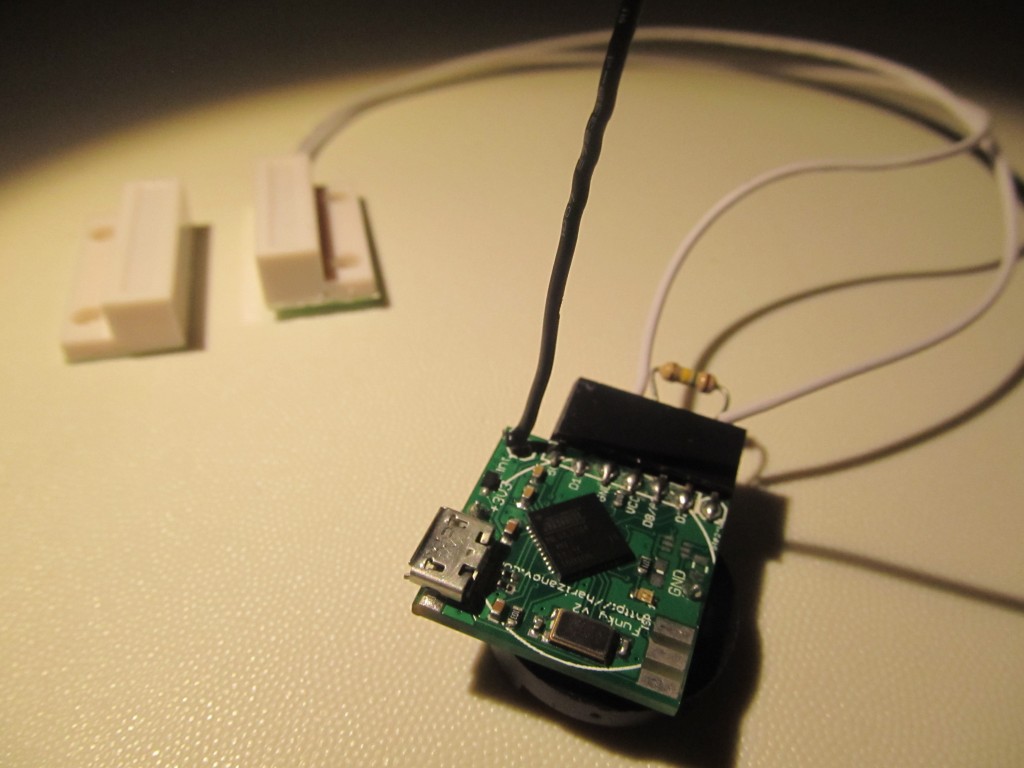
Toying with a cheap magnetic reed switch door sensor – wireless open/close events for doors and windows via a Funky.
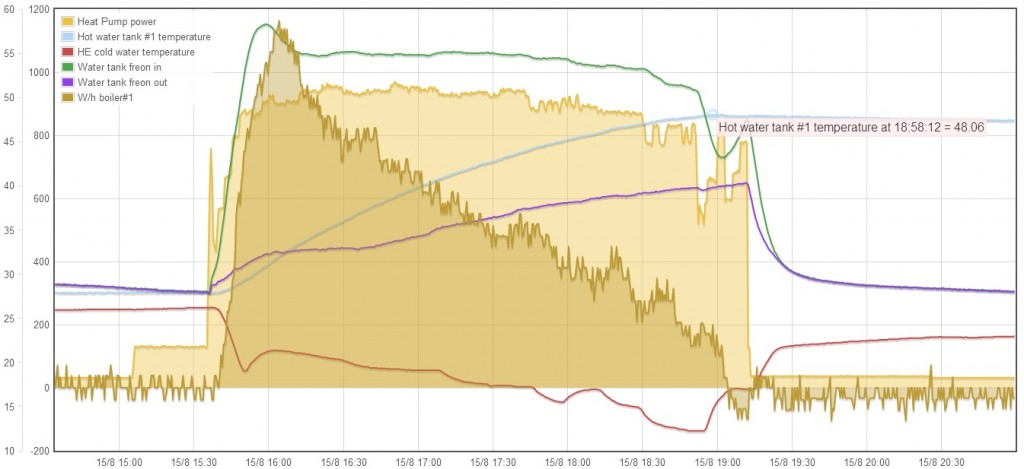
Domestic hot water nearly for free – my hacked Daikin air-to-water heat pump captures heat in both heating and cooling modes.
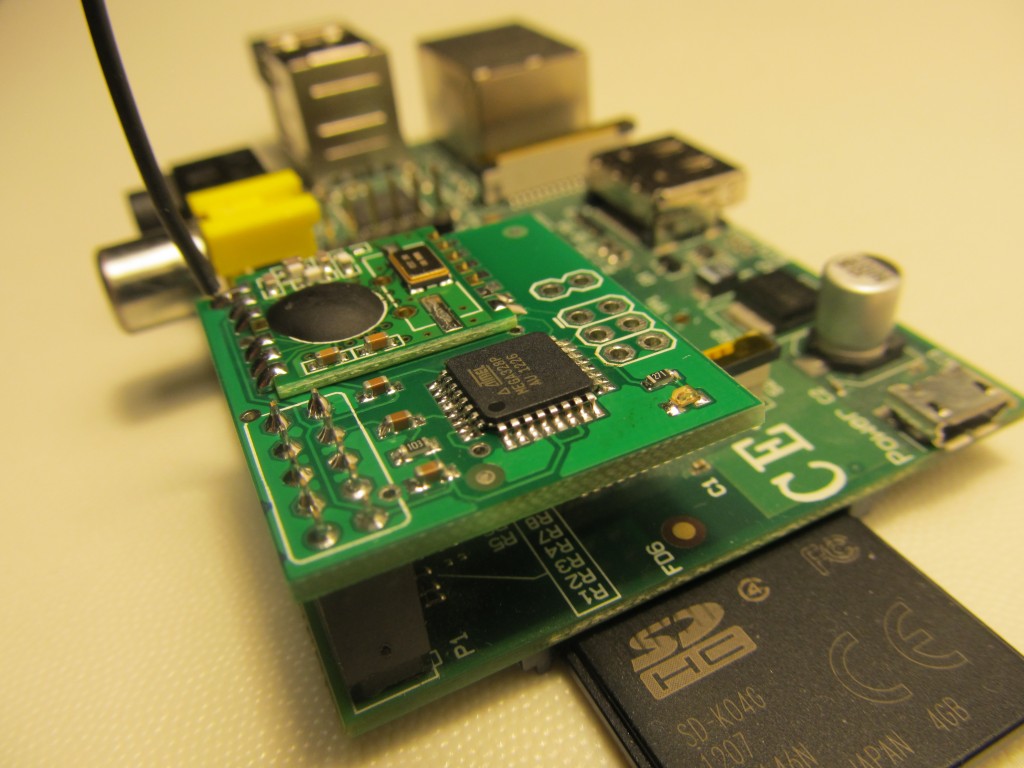
A rock-solid RFM2Pi gateway: after killing several SD cards, the Pi now boots read-only and survives every power failure.
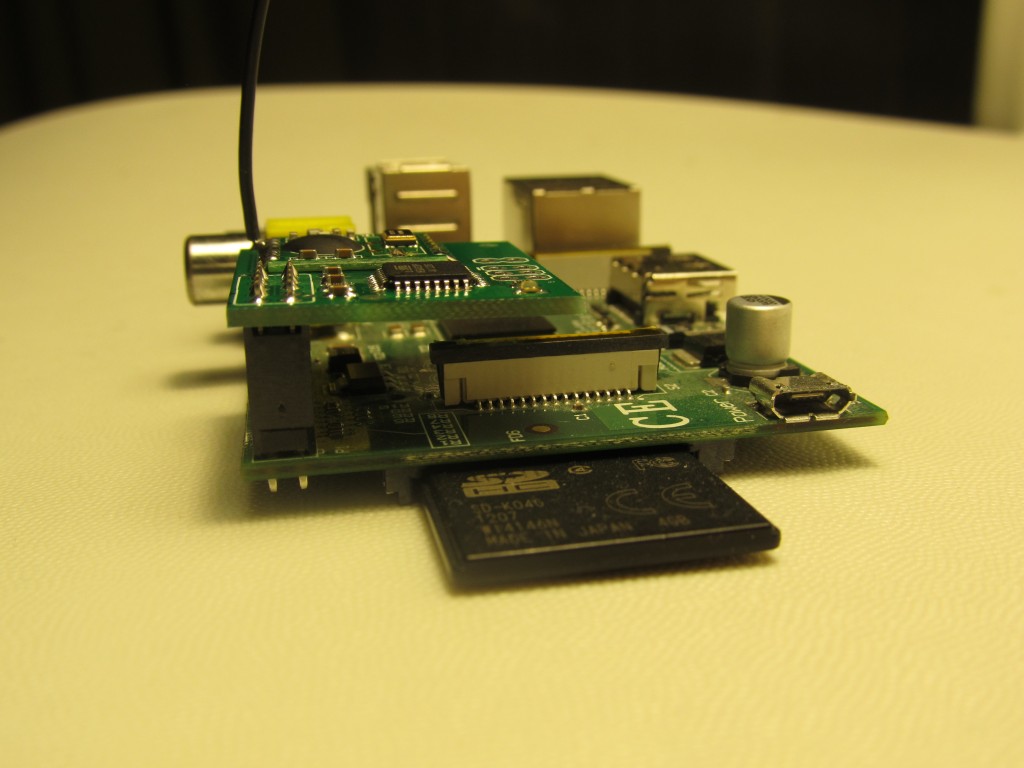
Mounting the Raspberry Pi root file system read-only – the next step after USB flash also proved corruptible on power loss.
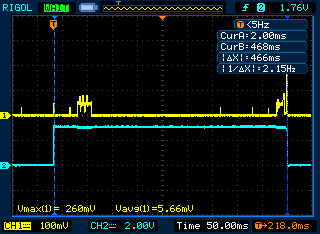
Every μA counts on battery powered wireless nodes – the hardware and software tricks I use to keep sleep current microscopic.
Non-contact AC detection with a 1M resistor and a wire antenna – testing insideGadgets’ trick and learning why it works.
Trying out a Ciseco bistable/latching relay – a brief pulse to switch, zero holding current, pretty cool for battery projects.
Raw infrared to serial and back – one interface for every IR protocol my air conditioners, TVs and media gear happen to speak.
Installing emonCMS’s events module – rule-based alerts and actions on top of the telemetry my sensors already log.
A pong clock on the Raspberry Pi and my 1.8″ TFT – adapting Don Clark’s code for the ST7735R frame buffer.
The new uIoT RFM12B shield adds a plug-on OLED port – gateway and status display in one stack.
Putting the Raspberry Pi’s built-in hardware watchdog to work – automatic reboots when the Pi hangs, no external hardware.
Three corrupted SD cards later: moving the Raspberry Pi root file system to a USB drive to survive our frequent power outages.