Working on ultra low power status display for battery operated wireless temperature sensor #IoT
Ultra low power status display for battery operated
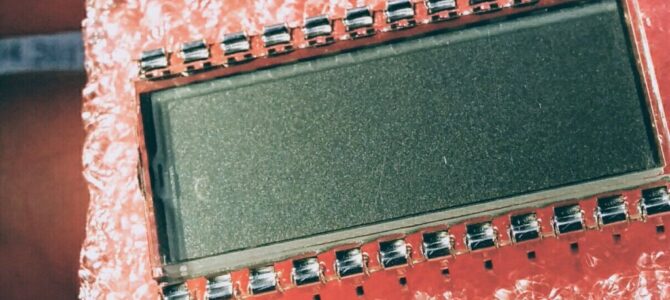
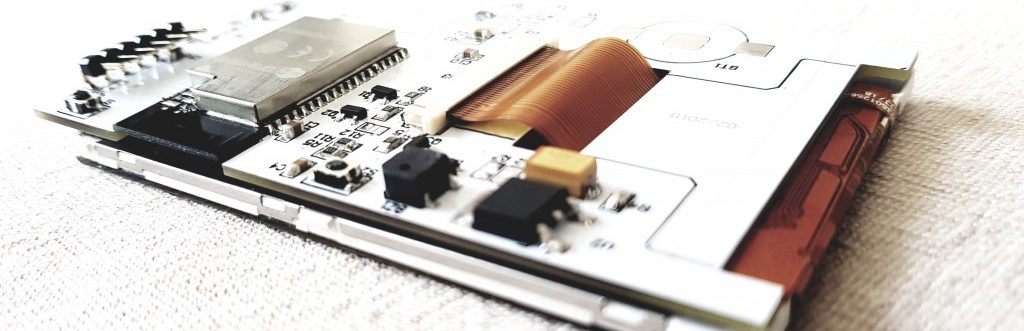
Working on ultra low power status display for battery operated wireless temperature sensor #IoT
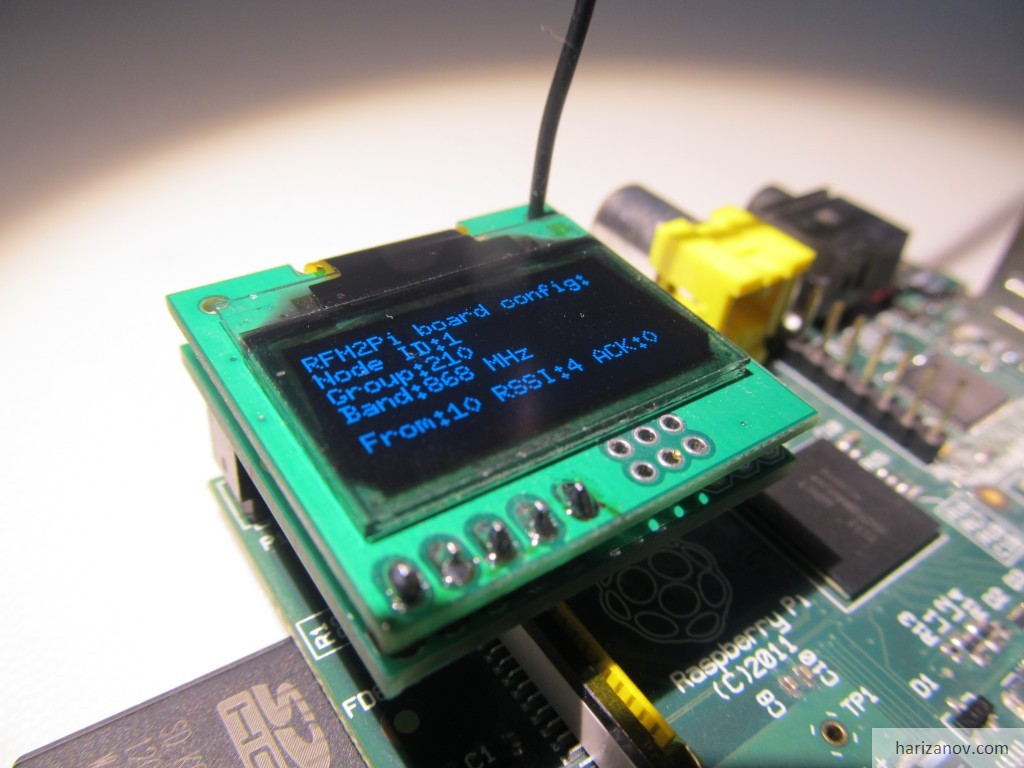
The RFM2Pi board gets a 6 pin port that happens to exactly match the Digole 0.96″ OLED – instant plug-on status display.
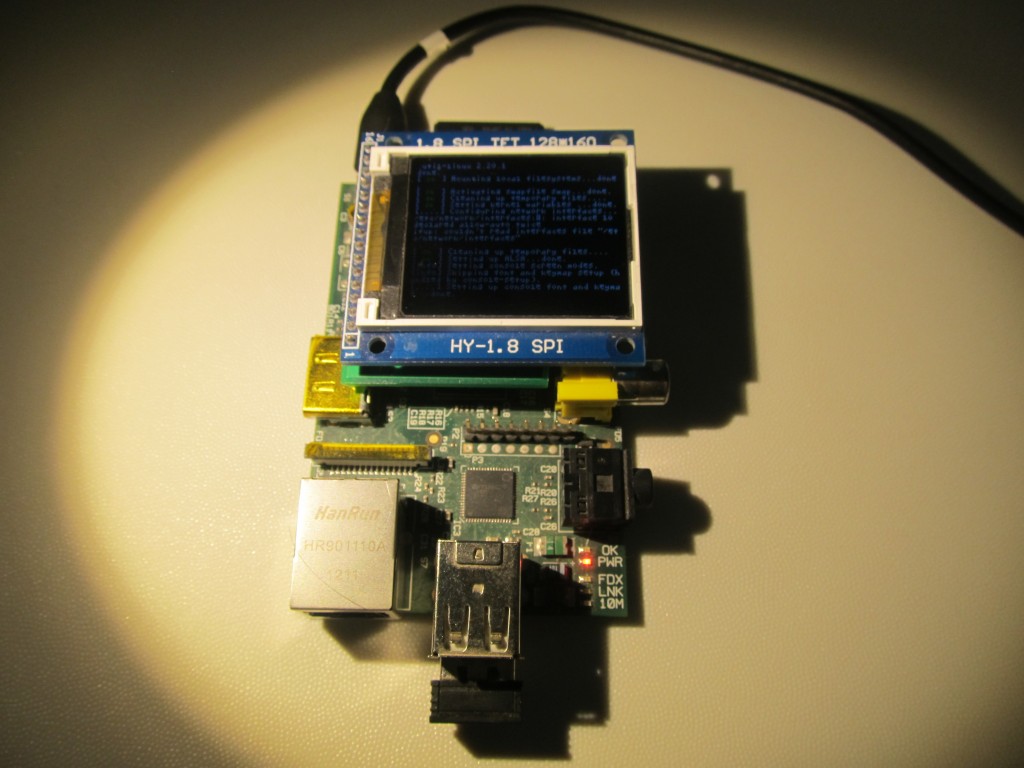
Adding FBTFT frame buffer support for the 1.8″ TFT to Raspbian in 5 minutes flat – @notro’s work ends the kernel patching nightmare.
A pong clock on the Raspberry Pi and my 1.8″ TFT – adapting Don Clark’s code for the ST7735R frame buffer.
The new uIoT RFM12B shield adds a plug-on OLED port – gateway and status display in one stack.
A wearable wireless body temperature monitor for sick kids – remote logging plus a bedside status display with an alarm.
Adding an analog clock face to my OLED status display, plus a bitmap thermometer tracking the solar water tank temperature.
Encoding temperature as RGB LED color – read the solar hot water status from across the room, no display needed.
A miniature 128×64 serial OLED as a status display for the Funky v2 – bright pixels, near-180° viewing angle, 30x28mm PCB.
The Raspberry Pi TFT PCB is back from the fab – TFT soldered on, working on first try, small demo inside.
Laying out a proper Raspberry Pi TFT board – a non-rectangular PCB that sits on top of the Pi, off to the fab house.
Turning my 1.8″ TFT into a Raspberry Pi status display showing house telemetry pulled from emonCMS.
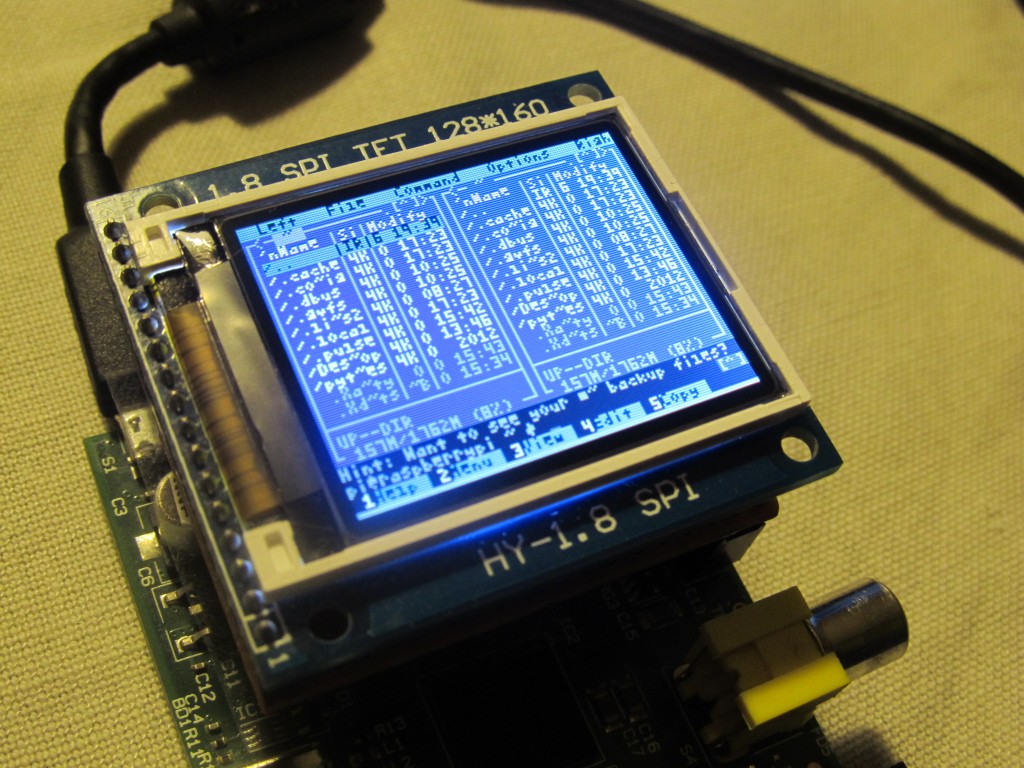
Running a cheap 1.8″ ST7735R TFT on the Raspberry Pi with a modified kernel – the display that was too memory hungry for an Arduino.
Reverse-engineering a cheap undocumented 1.8″ TFT from ebay – turns out to be an ST7735R, and it even has an SD slot.
A $25 4.3″ car backup camera TFT from Ebay as a status display for my Raspberry Pi – specs, wiring and first impressions.
Reusing a cheap digital thermometer’s LCD by mimicking its thermistor with a digital potentiometer – a free data display.